ImageScaler
Image delivery on your own infrastructure
One source. Every screen.
Turn original images into the sizes and formats your website needs. Transform once, deliver quickly, and keep control of the infrastructure.
Self-hosted. In production.
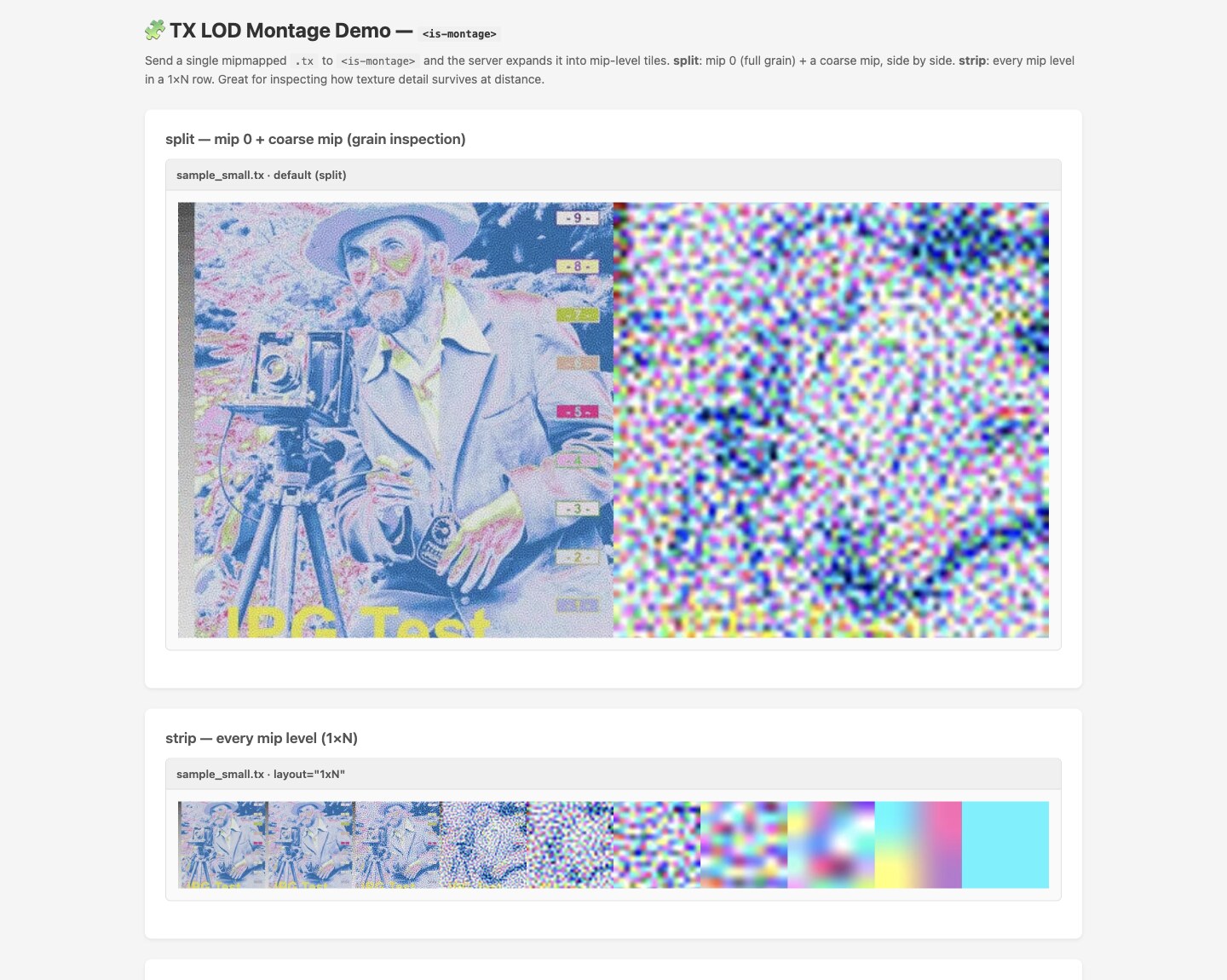
Prepare every size.
Resize, crop and convert from the original. Deliver an appropriate image for each screen.
Put the cache to work.
Reuse processed images instead of doing the same transformation for every visitor.
Own the delivery.
Run the image service on infrastructure you control, with signed URLs and CDN proxying.
In use
From original to ready for the web.
Keep one source image. Define the crop, size and output format in a signed transform URL, then let the image service prepare and cache the result.
Choose the source
Start with the original image, including HEIC.
Set the output
Choose a crop, dimensions and a format such as WebP or AVIF.
Deliver to the screen
Use responsive image markup or the supplied web components in your site.
Beyond flat images
Bring 3D into the picture.
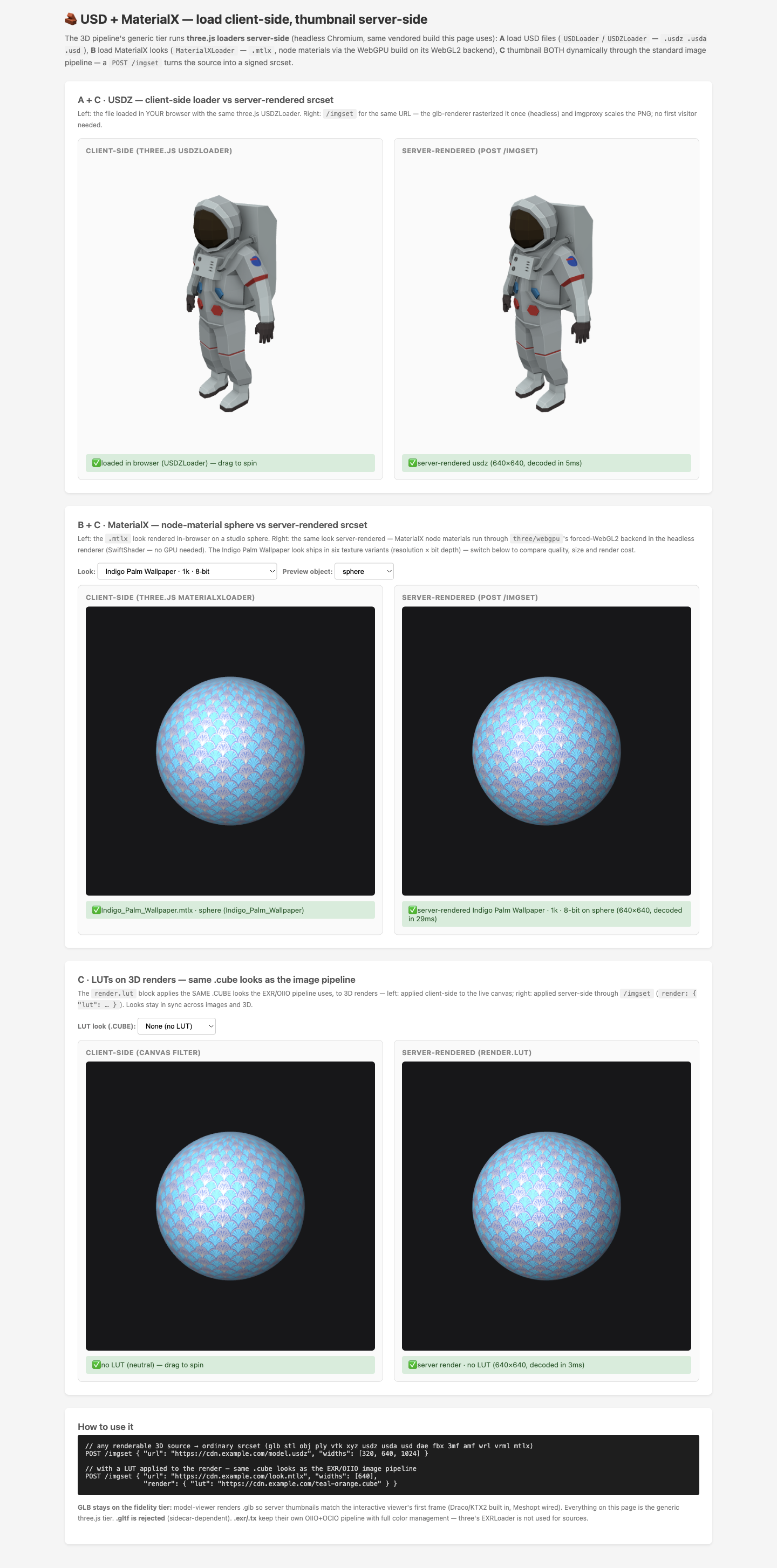
Create server-rendered thumbnails from USD assets and work with MaterialX looks. Colour transforms connect the image and 3D pipelines.
Get started with ImageScaler
Make more of your images.
Explore the project and documentation, or talk to Threads about your workflow.
Self-hosted. In production.