gaps
An editor for the pacing of speech
Make every pause count.
Shape the rhythm of interviews, podcasts and spoken audio. See the words, hear the timing, and fit the piece without losing the speaker.
Works with Pro Tools and Adobe Audition.
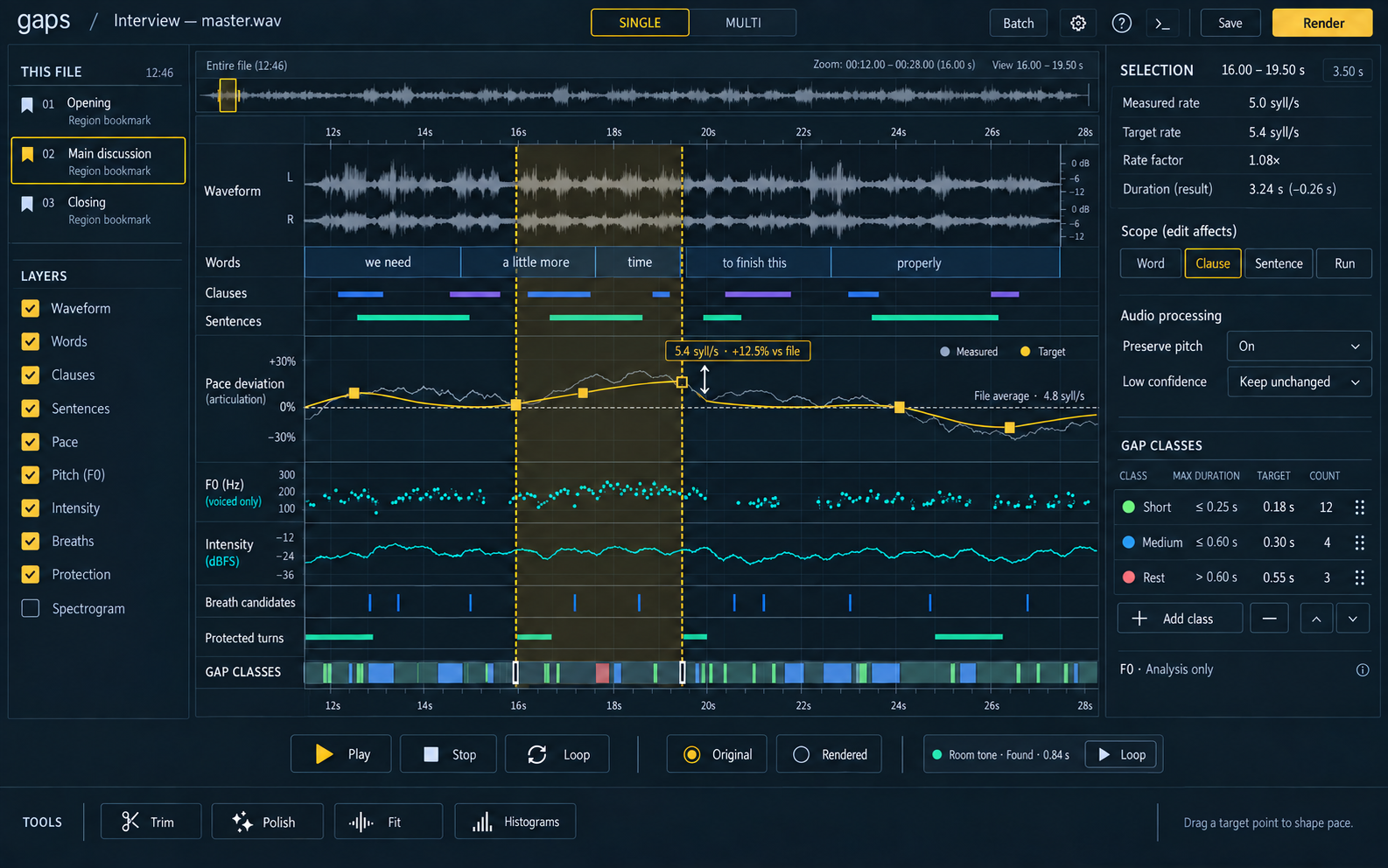
Hear the rhythm.
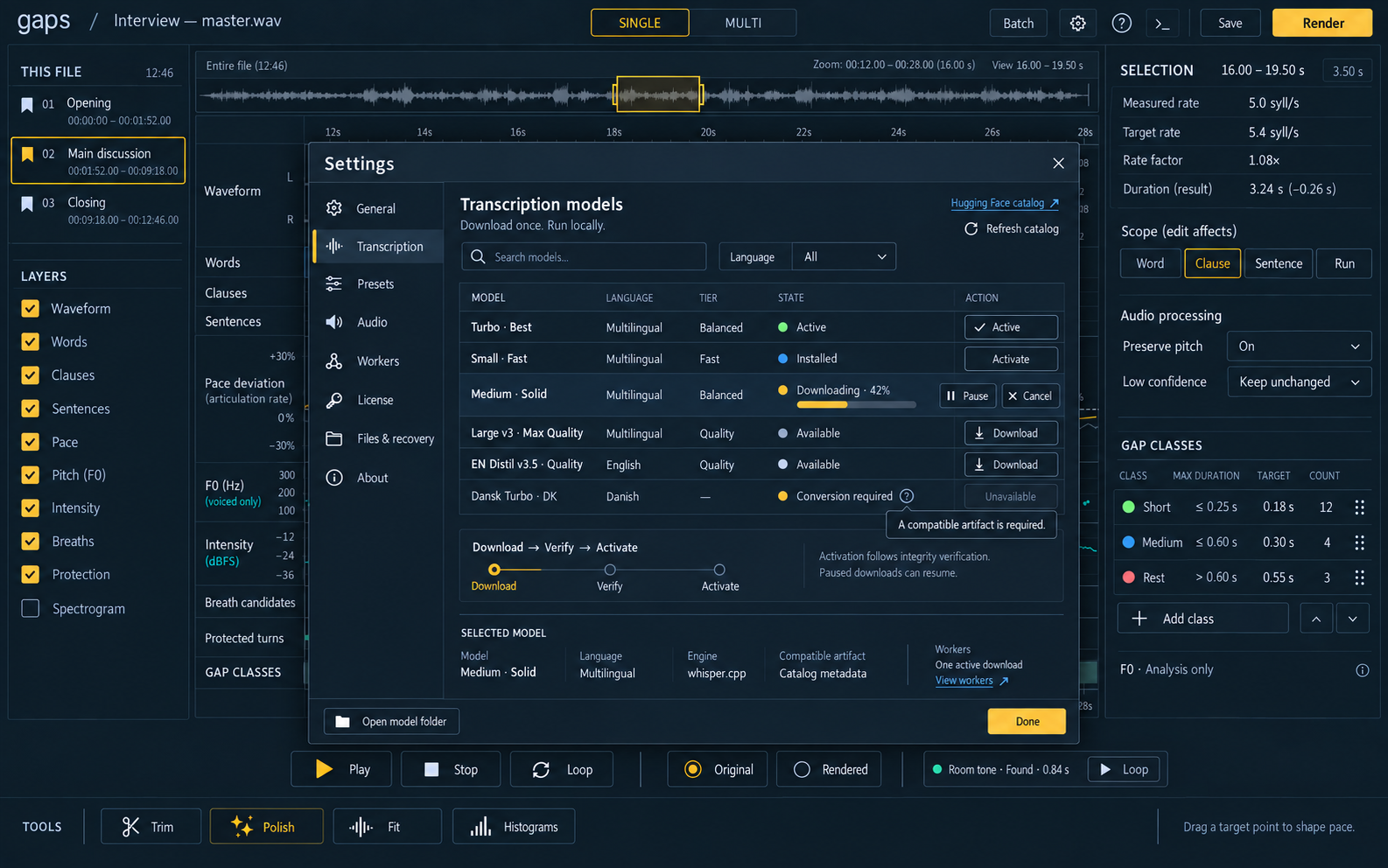
Read the transcript alongside the waveform and see where speech moves, slows or leaves space.
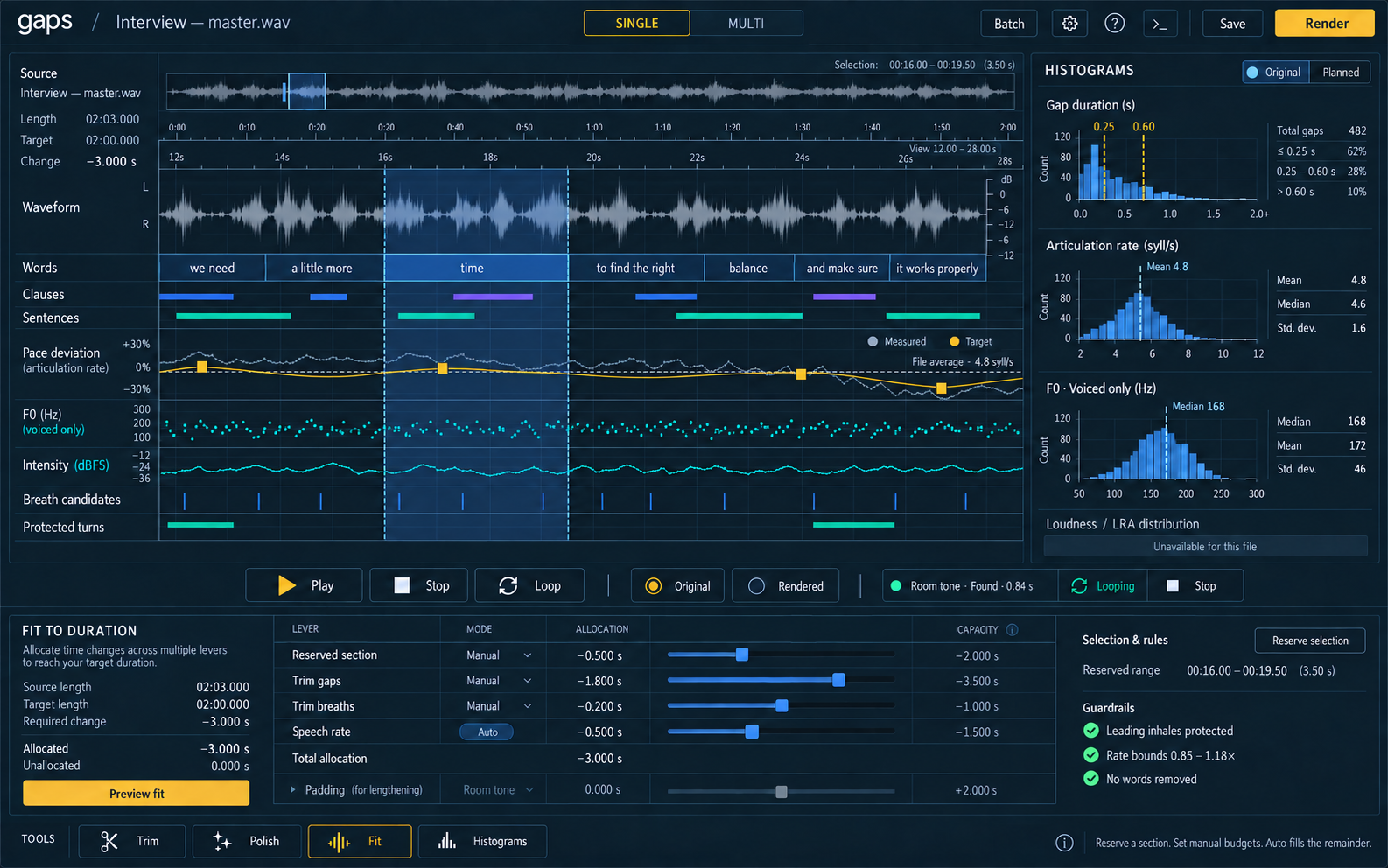
Fit the piece.
Set a target duration and review the timing changes needed to get there.
Keep your workflow.
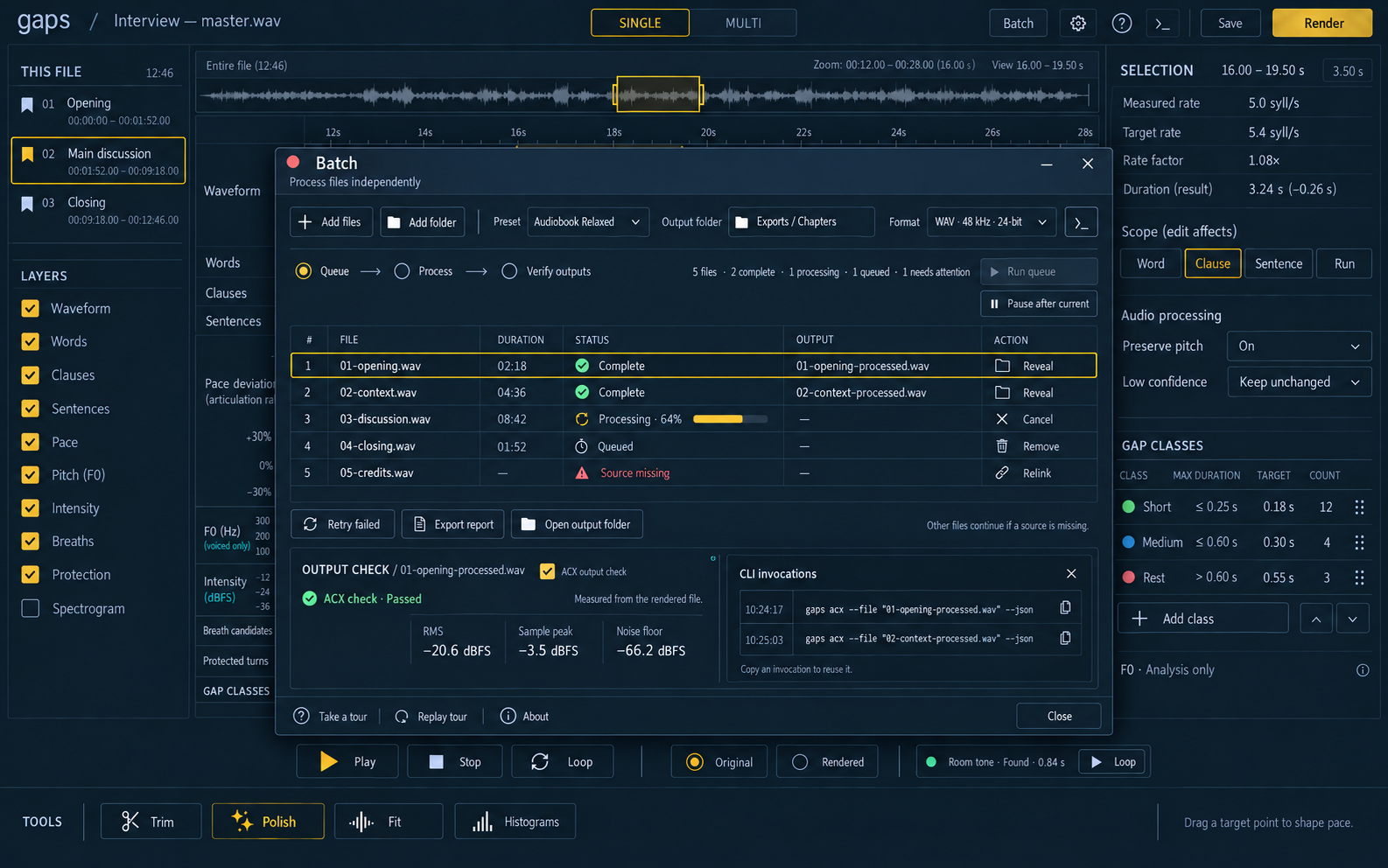
Work with Pro Tools and Audition, or use batch processing for a collection of recordings.
In use
A tighter edit. An intentional pause.
A pause can carry meaning or simply run too long. Review pace and boundaries against the original recording, protect the parts that matter, and compare the result before delivery.
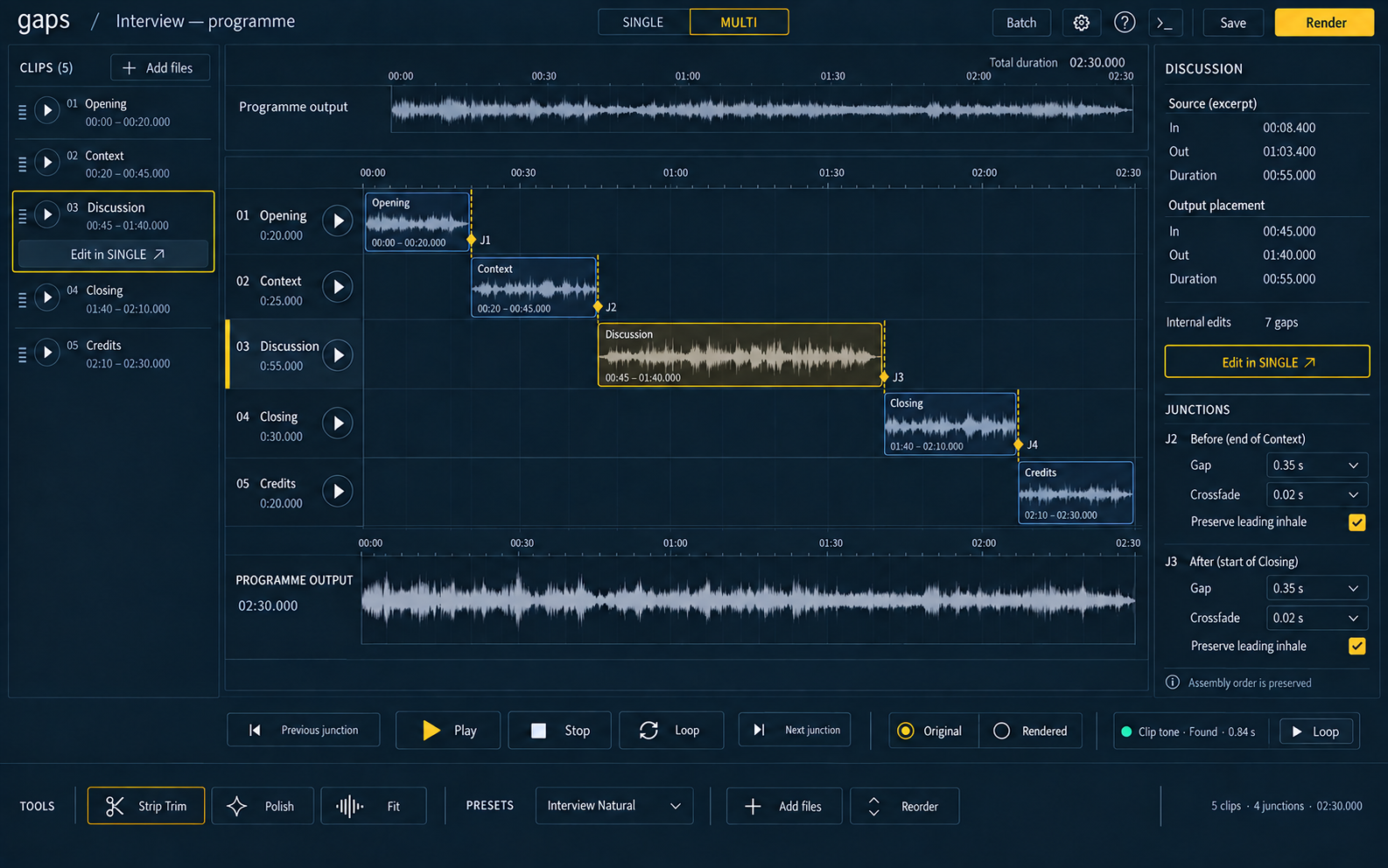
From clip to programme
Give the whole piece its rhythm.
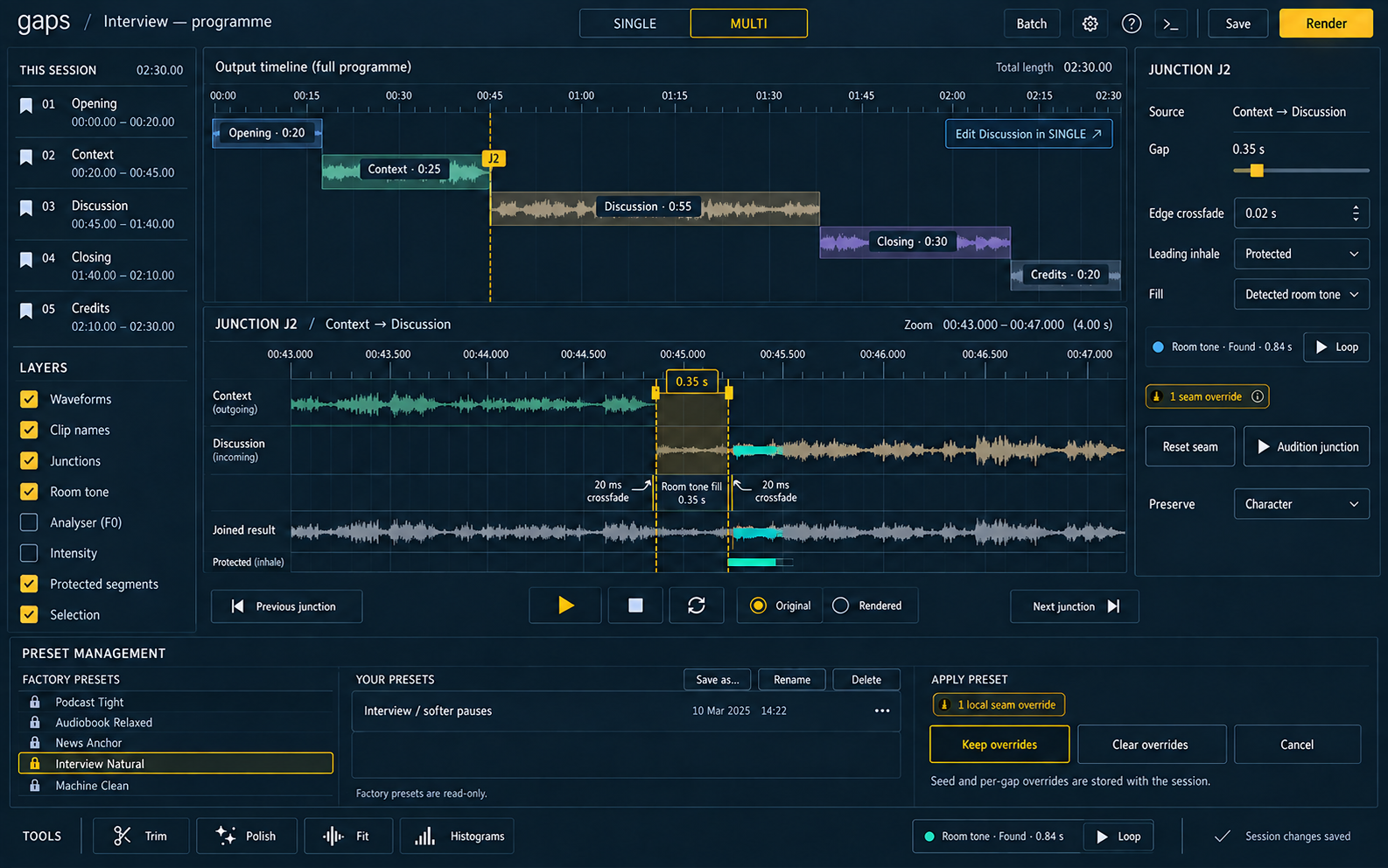
Arrange multiple recordings, tune the joins and keep the pacing consistent. Junction controls bring pauses, crossfades and room tone into the same editing process.
More of gaps
Get started with gaps
Find your rhythm.
Explore the project and documentation, or talk to Threads about your workflow.
Works with Pro Tools and Adobe Audition.